PDFScanner Neo for iPhone and iPad
Help & user guide
Everything about scanning paper into compact, searchable PDFs — with an AirScan hardware scanner on your network or the camera in your pocket.
Browse by topic
The guide, from paper stack to finished PDF.
Get started
Getting started
First launch, permissions, and your first scan — from paper to finished PDF.
WORKThe scan workspace
How the workspace thinks, what the toolbar does, and how a scan session flows.
Scanning
Scanning with a hardware scanner
AirScan/eSCL scanner discovery, scan settings, and per-scanner defaults.
SHAREShare a USB scanner with NAPS2
Use free NAPS2 scanner sharing on Mac or Windows to make USB and other non-AirScan scanners available to Neo.
CAMScanning with the camera
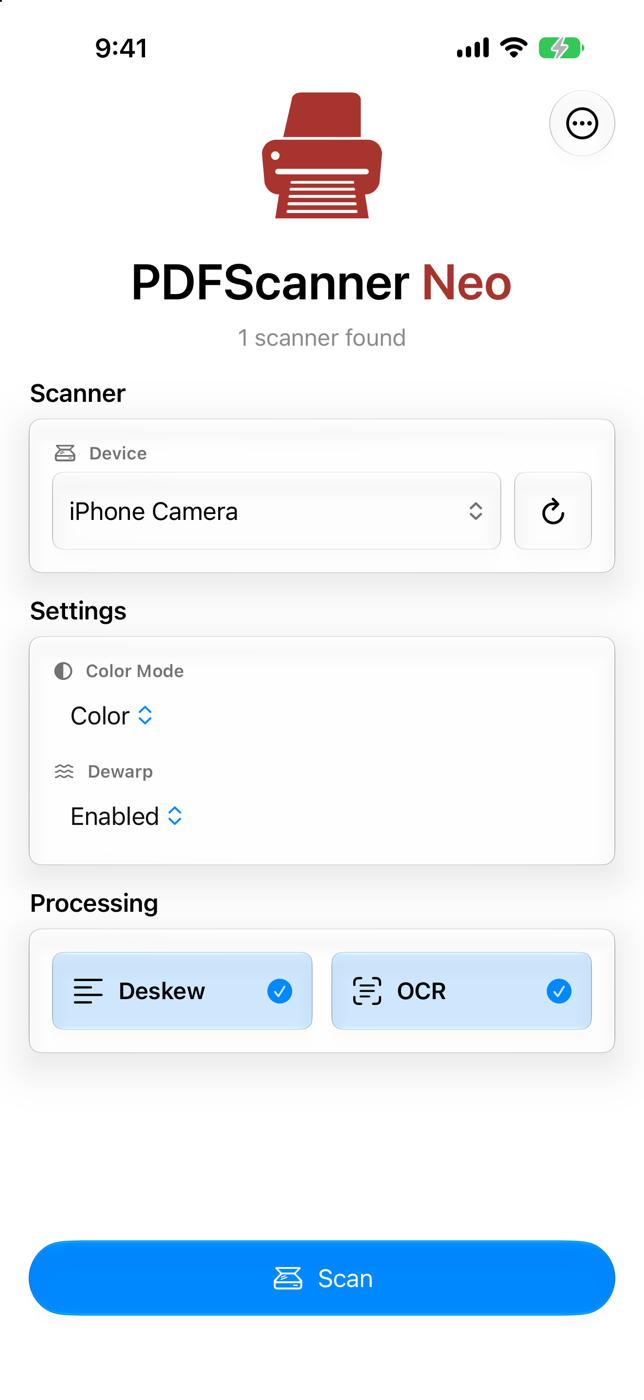
The document camera on iPhone and iPad, dewarp, and tips for clean captures.
DUPLEXFake Duplex
Scan two-sided documents on a one-sided scanner in two passes — Neo reorders the pages.
Pages & OCR
Organizing pages
Reorder, select, rotate, duplicate, and delete pages in the workspace.
CLEANCleaning up pages
Crop, deskew, black-and-white conversion, blank page removal, and reverting to originals.
OCROCR and searchable PDFs
Make scanned text searchable, selectable, and easier to find with Siri and Spotlight.
Saving
Saving and exporting
The Save menu, export formats, sharing, and what happens after a save.
PRESETSave presets and filenames
Preset folders, filename patterns and tokens, Quick Save, and Single Tap Save.
AISmart Save
Automatic preset matching from document text — with keywords or Apple Intelligence.
More
Popular questions
Asked most often.
Do I need a hardware scanner?
No. PDFScanner Neo also scans with the built-in document camera on iPhone and iPad. A hardware scanner is supported whenever it speaks AirScan/eSCL on your local network. See Scanning with the camera.
Neo does not find my scanner. What now?
Make sure the scanner is awake, on the same network, and that iOS granted Neo Local Network access. The full checklist is in Troubleshooting.
Where do my scans end up?
You decide. Neo saves finished PDFs into folders you choose — in iCloud Drive, on your device, or any location the Files app can reach. Neo itself keeps no document library. See Saving and exporting.
What does Pro add?
OCR, deskew, save presets, Smart Save, filename patterns, sharing, JBIG2 compression, PDF/A and more. Scanning and saving stay free. See Free vs. Pro.
PDFScanner Neo
Ready for the next stack of paper?
Get PDFScanner Neo for iPhone and iPad. Scanning into an empty workspace and saving a compact PDF are always free.
Download on the App Store