AirScan network scanners
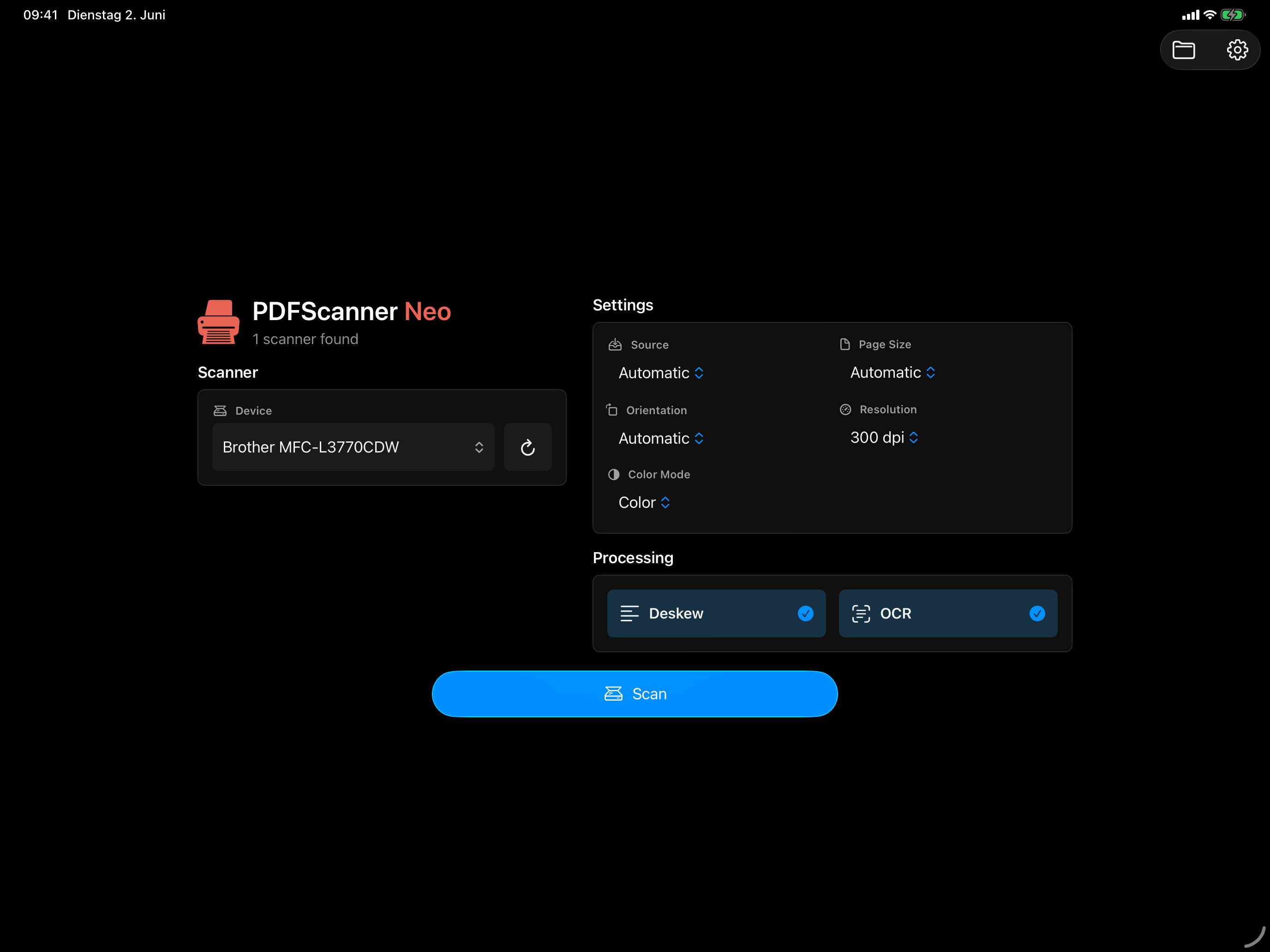
Discover compatible Wi-Fi and network scanners through AirScan/eSCL, including flatbed, feeder, and duplex feeder sources when the scanner advertises them.
 PDFScanner Neo
For iPad, iPhone and iPhone Duo
Use AirScan network scanners or the built-in iPhone and iPad document camera. PDFScanner Neo is the only professional scanning app in the App Store that can access real hardware scanners; most scanner apps only scan through the iPhone camera.
Scanning into an empty workspace and saving a compact PDF stay available in the free app. Advanced repeat workflows use PDFScanner Neo Pro.
Scan sources
PDFScanner Neo brings hardware scanners and the mobile document camera into the same scan-first workspace, then cleans pages, makes them searchable, and exports compact PDFs without turning scanning into document management.
Discover compatible Wi-Fi and network scanners through AirScan/eSCL, including flatbed, feeder, and duplex feeder sources when the scanner advertises them.
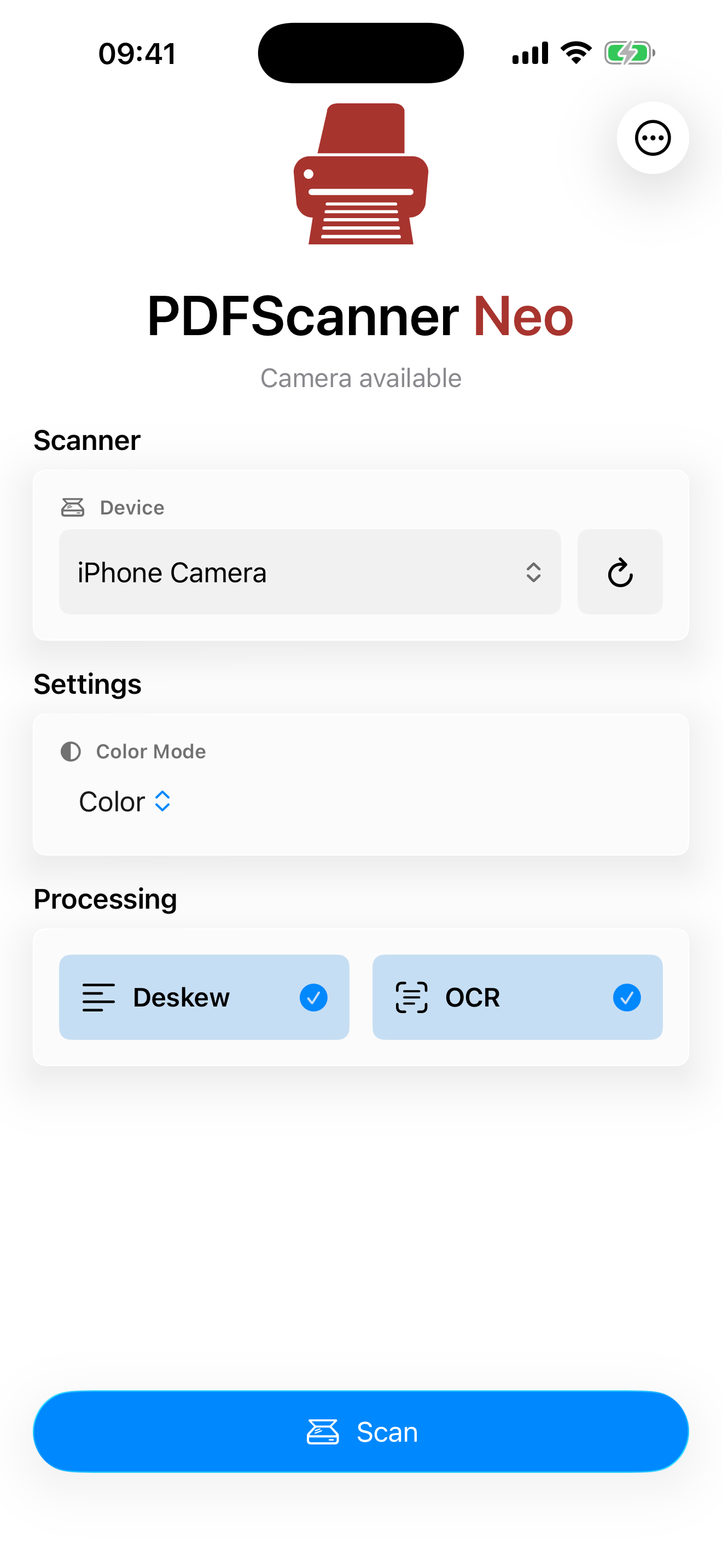
Scan without hardware using the built-in document camera with automatic perspective correction before Neo processes the pages.
Scanner and camera pages land in the same temporary workspace, ready for cleanup, organization, and export.
Workflow
Set up OCR, deskew, presets, and Smart Save once. After that, a regular paper job can be as simple as Scan, then Save: Neo processes pages automatically while scanning, and Smart Save can choose the right folder for the finished PDF.
Choose an AirScan/eSCL scanner or the device camera, then tap Scan. Pages land in the workspace as they arrive.
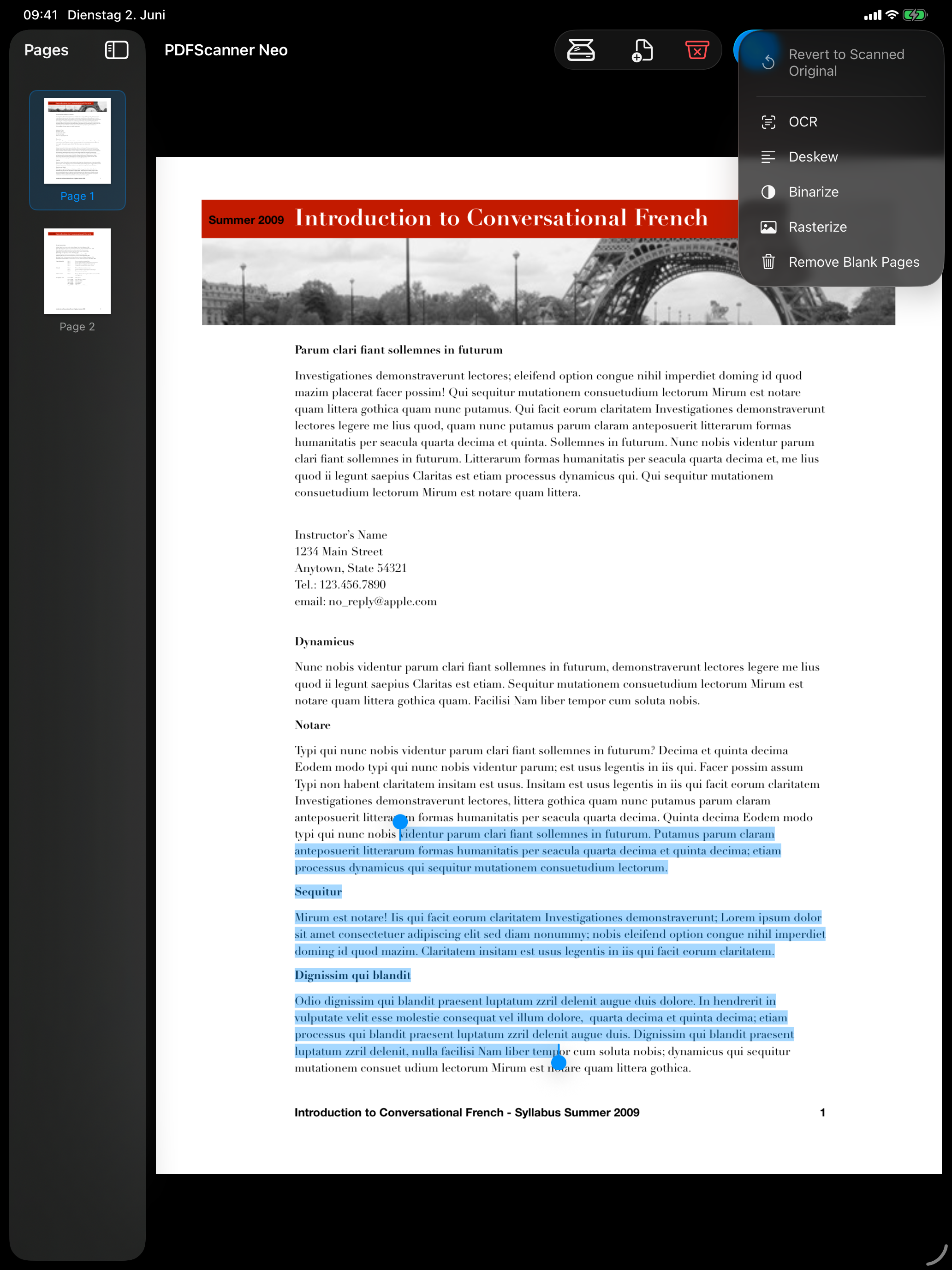
OCR, deskew, rotation correction, and blank-page cleanup can run automatically during scanning when enabled.
Manual cleanup and organization stay available for unusual pages, but routine scans do not have to stop there.
Tap Save. Presets can export directly, and Smart Save can pick the matching folder from the document text.
Output
Neo is optimized for scanned documents: searchable text, compact files, and output choices for everyday saving or long-term archiving.
PDFScanner Neo Pro
Neo Pro unlocks repeat-use and professional workflows. Both monthly and yearly subscriptions unlock the same Pro feature set while active.
Privacy
PDFScanner Neo is designed to process scanned documents locally on your device unless you explicitly export, share, or otherwise send a document elsewhere.
Questions
No. You can scan with the built-in document camera on iPhone and iPad. Hardware scanners are supported when they advertise AirScan/eSCL capabilities on your local network.
Neo uses AirScan/eSCL network scanning. Almost all newer network scanners support eSCL; Apple calls the same standard AirScan.
No. Neo is a scan workspace. You assemble pages, clean them up, and export a finished PDF copy.
Pro is for repeat and professional workflows: OCR, deskew, presets, Smart Save, sharing, filename automation, JBIG2, PDF/A, and automatic blank-page removal.
PDFScanner Neo
Start with PDFScanner Neo on iPhone and iPad.
Download on the App Store Open the help guide