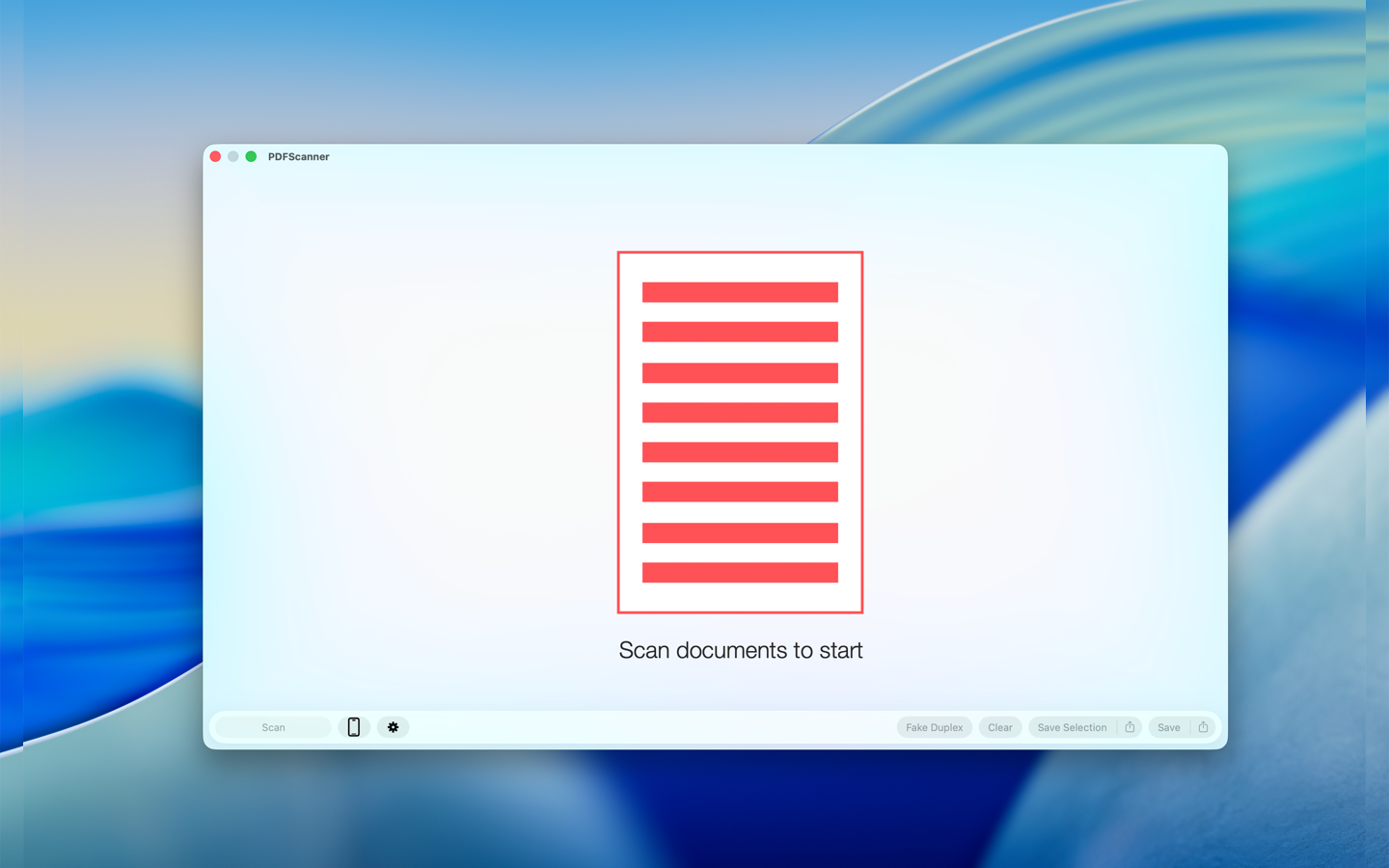
Start scanning documents
PDFScanner opens directly to a focused workspace for scanning, importing, and saving documents.
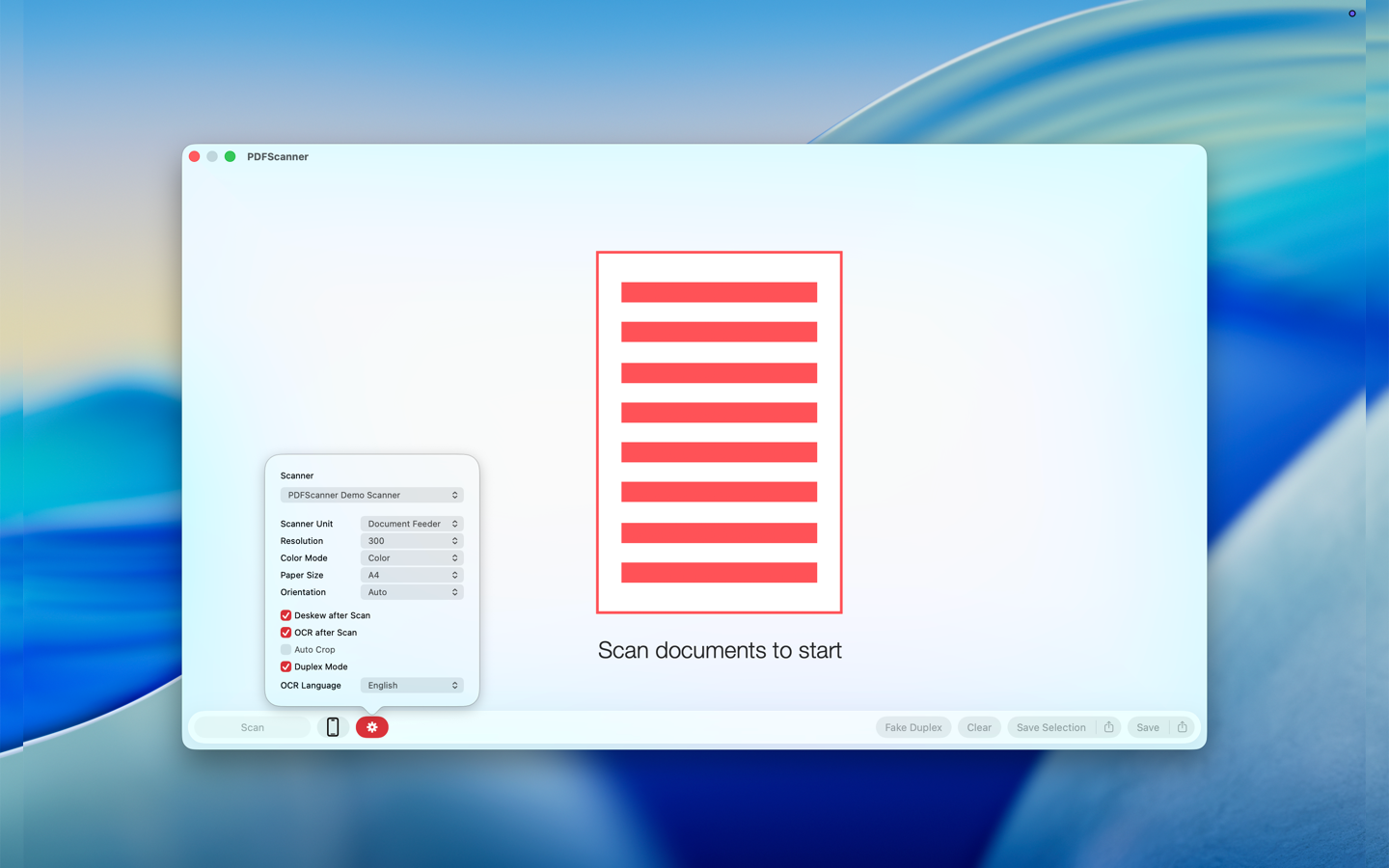
Scanner setup
Choose the scanner, source, resolution, color mode, paper size, and post-processing options before starting a scan.
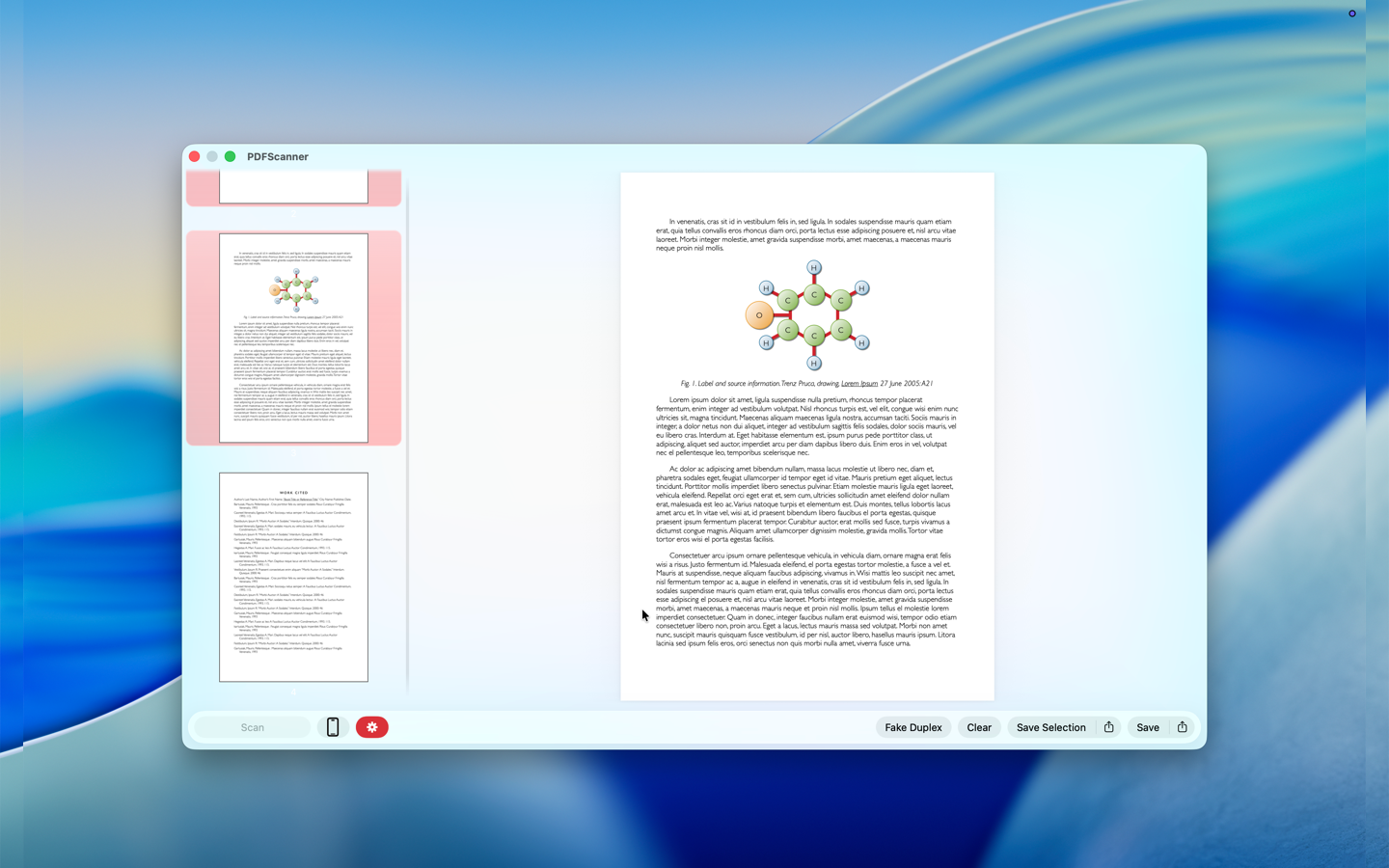
Review and edit scanned PDFs
Inspect scanned pages, reorder them, crop, deskew, run OCR, and save the result from the same window.
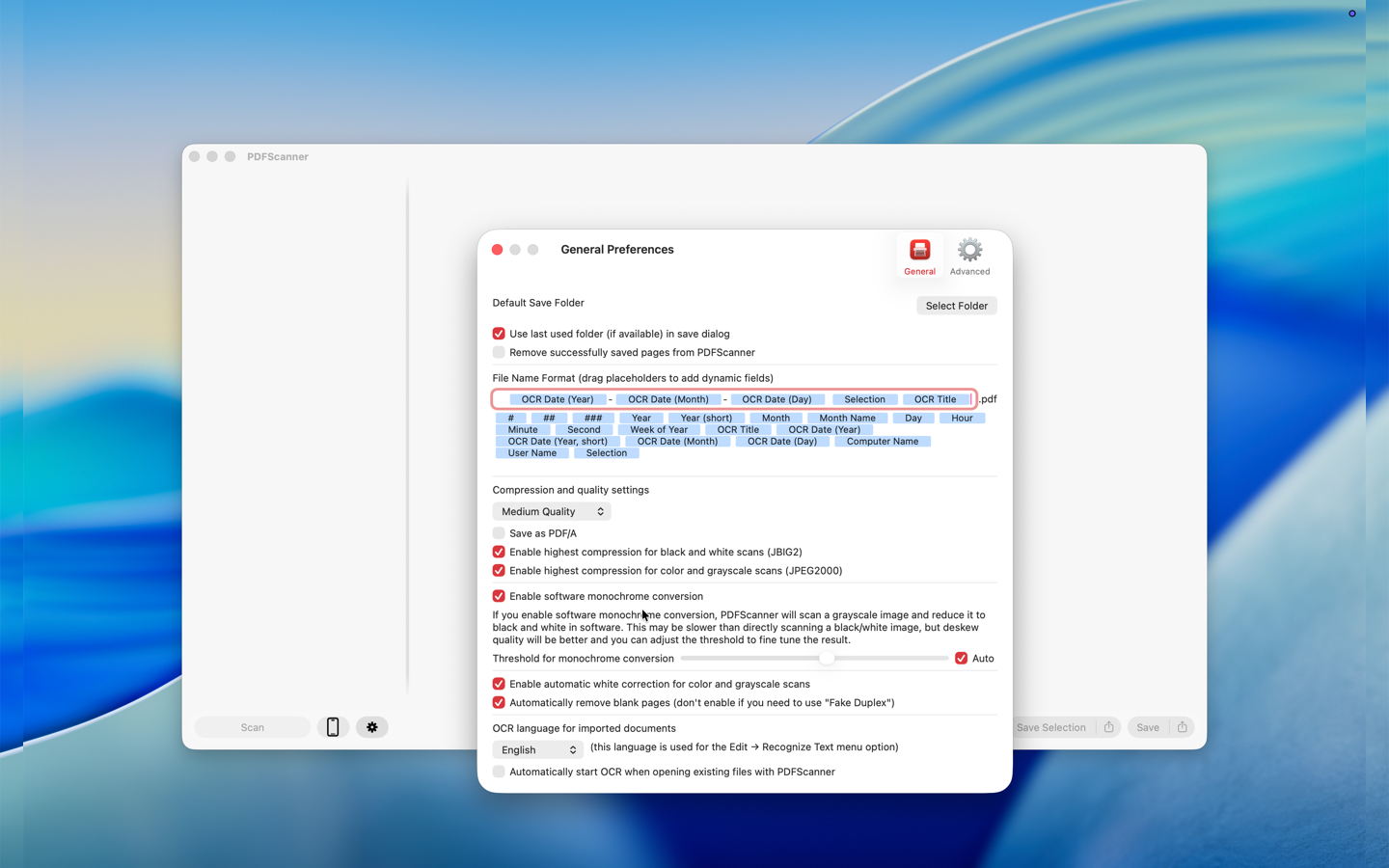
Preferences
Set defaults for OCR, saving, compression, file names, and scanner behavior so repeated workflows stay fast.
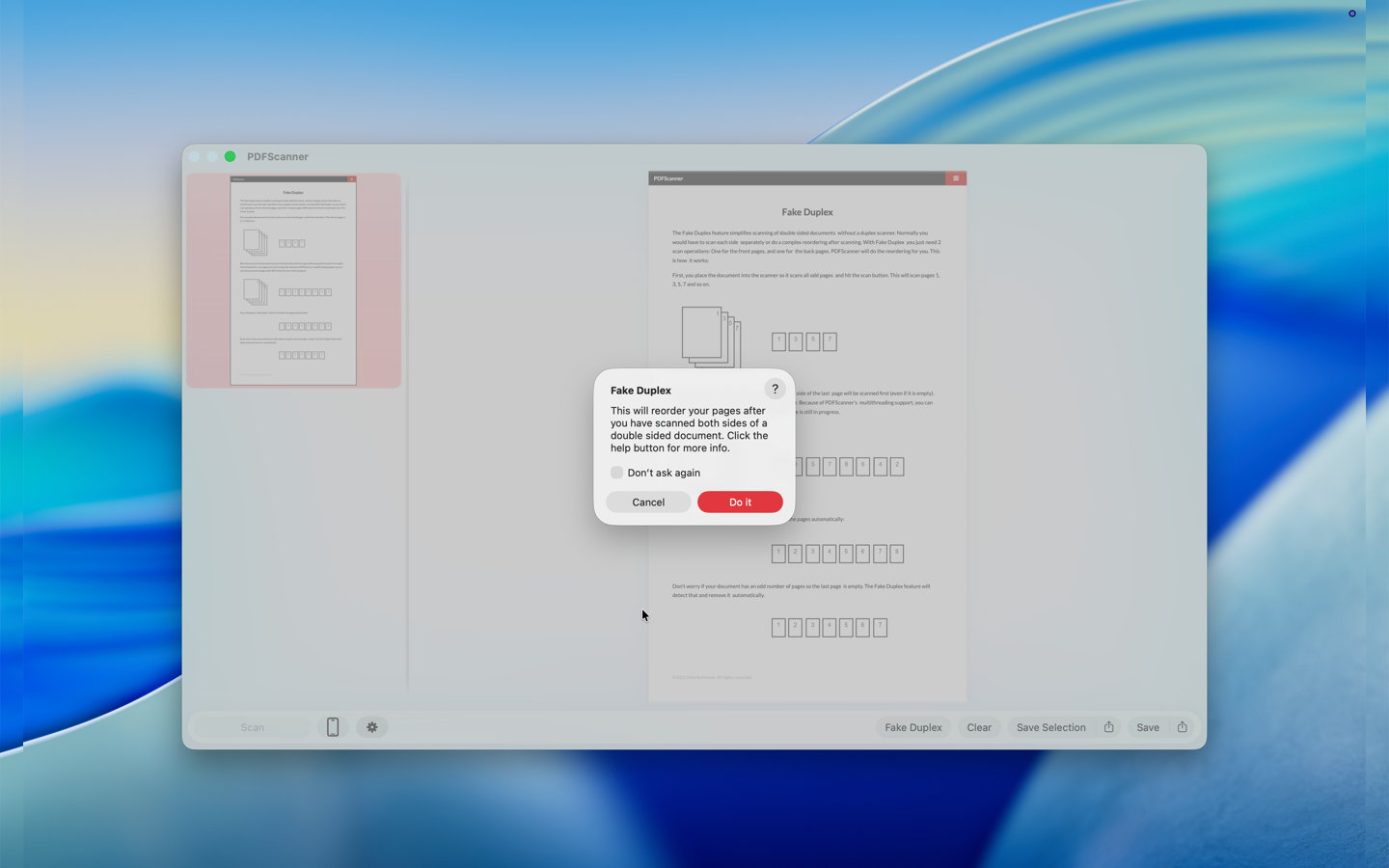
Fake Duplex
Combine front and back scans from single-sided scanners into the correct page order.